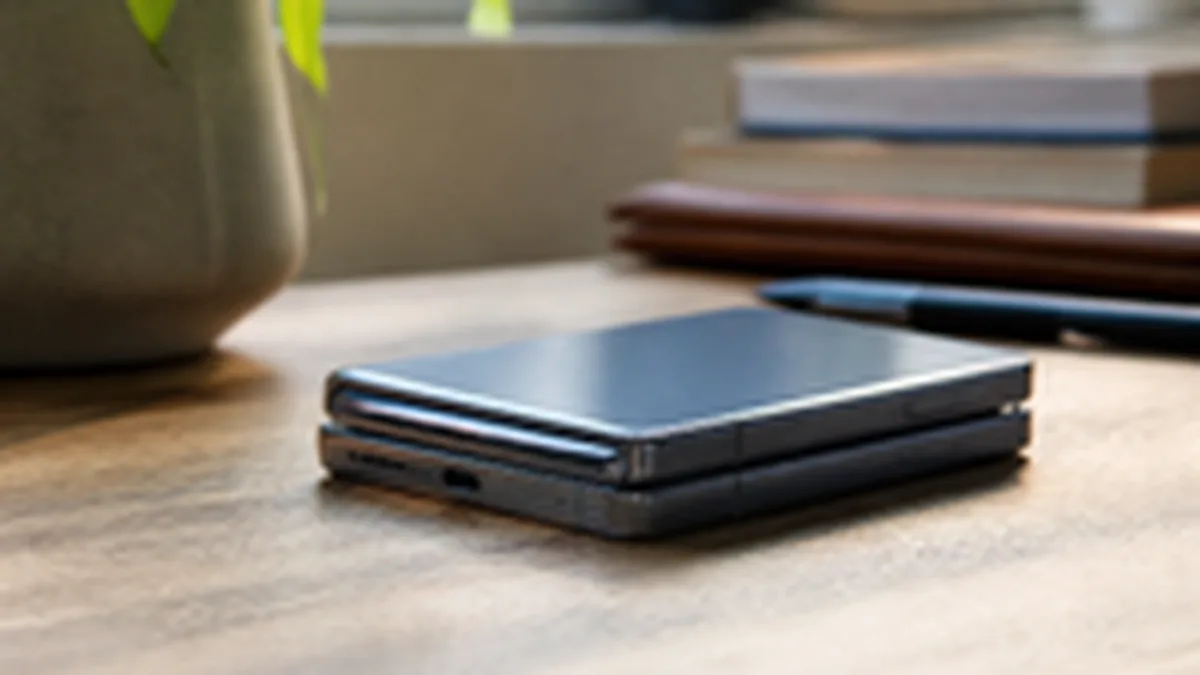
At $1,999 to start, the iPhone Duo is one of the more expensive phones Apple sells, which makes trading in your current iPhone worth doing properly rather than as an afterthought. Here's what actually moves the number up or down.
What determines your trade-in value
Apple's trade-in program evaluates four things: model, storage capacity, condition, and carrier lock status. Model and storage are fixed once you know what you own; condition and carrier status are the two factors you have some control over before you trade in.
"Condition" in Apple's system generally spans a few tiers, from like-new to a device with a cracked screen or battery issues, and the gap in trade-in value between those tiers can be substantial, often more than the cost of a basic screen-protector or battery-health check would have been if you'd addressed a problem earlier. If your current phone has a cracked screen, get a real quote both with and without a third-party repair first; sometimes a cheap repair raises your trade-in value by more than the repair cost, and sometimes it doesn't, so check the numbers for your specific model rather than assuming.
Carrier lock matters more than people expect
A phone still financed through a carrier installment plan, or locked to a carrier with an outstanding balance, typically trades in for less, or requires paying off the remaining balance first. Check your carrier account for your device's payoff status before starting the trade-in process so the final credit amount doesn't surprise you at checkout.
Where to actually trade it in
You can trade in through Apple directly online or in an Apple Store, or through your carrier when you buy the iPhone Duo on a carrier plan. Apple's own trade-in estimate tool gives you a starting quote based on model and your answers about condition; the final credit is confirmed once Apple or the carrier physically inspects the device. Get quotes from both Apple and your carrier before committing, since the better offer can go either way depending on current promotions.
Timing your trade-in
If you're not in a rush, watch for Apple's own promotional trade-in boosts, which the company runs periodically and which can meaningfully increase the credit for specific older models. If you need the Duo now, don't wait on a hypothetical future promotion; trade in at the best currently available rate rather than speculating about a future one.
A simple checklist before you trade in
Back up your old phone. Sign out of iMessage and FaceTime and remove the device from Find My. Erase all content and settings. Confirm your carrier payoff status. Get quotes from at least two sources (Apple and your carrier, at minimum) before deciding where to trade in. None of these steps are optional if you want your trade-in value correctly calculated and your old phone properly wiped of personal data.