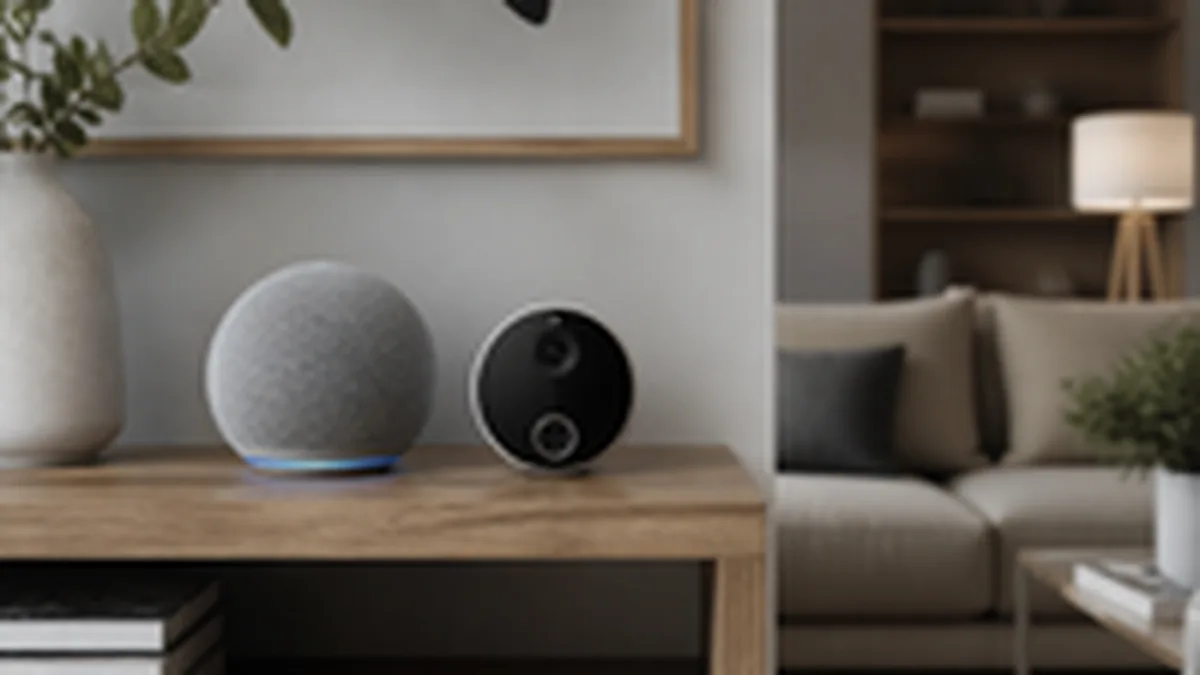
Smart home devices are useful precisely because they're always listening, watching, or sensing in some capacity. That same design means it's worth actually understanding what each category of device collects, rather than assuming a generic answer covers your specific smart speaker, camera, or thermostat.
Smart speakers and voice assistants
Most voice assistants are designed to begin actively processing audio only after detecting a wake word, but the device has to be passively listening for that wake word to work at all, which means some local audio processing is always happening on the device itself. Recordings of your actual requests are typically sent to the manufacturer's servers to process the command and improve the service, and most major platforms let you review, and delete, your voice history through the manufacturer's account settings or app. Check that settings page directly rather than assuming a default; retention policies and default settings have changed industry-wide in response to past privacy scrutiny, and your account's specific settings control what's actually being kept.
Doorbell and security cameras
Video doorbells typically record on motion detection or on a continuous basis if you've paid for a subscription tier that includes continuous recording. Footage is usually stored in the manufacturer's cloud, in some cases with a local-storage option as an alternative or supplement. The privacy consideration that's easy to miss: a doorbell camera pointed at a public sidewalk or a neighbor's property raises real questions that have nothing to do with the manufacturer's data policy and everything to do with local law and basic neighbor relations; check your camera's field of view, not just its settings menu.
Smart thermostats and sensors
These collect usage patterns (when you're home, what temperature you prefer, how often rooms are occupied if the device has occupancy sensing) that can reveal your daily schedule even without any audio or video at all. That data is typically used to power the device's own automation features and is often shared with the manufacturer for product improvement, sometimes with utility companies if you've enrolled in an energy-rebate program tied to the device. Read the specific program's data-sharing terms before enrolling, since the rebate programs often require sharing more granular usage data than the device's standard operation does.
How to actually check what a device of yours is doing
Open the manufacturer's app and look specifically for a privacy or data settings section, not just the general settings menu; most privacy controls (voice history, video retention length, data sharing toggles) are kept separate from device-function settings. If you can't find clear data-retention or deletion controls for a device you own, that absence is itself useful information about how seriously that manufacturer treats the setting.
Practical steps worth taking today
Review and clear your voice assistant's stored recordings if you haven't in a while. Confirm your doorbell camera's field of view doesn't capture more of a neighbor's property than necessary. Turn off any smart-device data sharing you don't have a clear reason to keep enabled. None of these steps require replacing your devices; they just require actually opening the settings menu most people never look at after setup.